




Rollambia App: Mobile Casino Gaming
The Rollambia app provides uninterrupted access to a wide variety of online slots, table games and live dealer experiences on the go. We guarantee optimized gaming sessions in a secure and fast environment on any device. Live chat support and an easy verification process complete the mobile casino experience for players who want quality gaming on any gadget.


Rollambia App Features
The Rollambia app offers features that make playing more convenient and enjoyable. Its user-friendly design makes navigation easy. You can locate your favorite games, jump to different sections and manage deposits directly from the interface. The high-performance architecture guarantees quick load times, low latency and seamless play.
| Feature | Mobile App | Browser Version |
| Installation | One-time setup from the website | No installation needed |
| Storage Usage | Minimal (cached data only) | None |
| Push Notifications | Yes | No |
| Offline Access | Partial (cached pages) | No |
| Loading Speed | Faster (optimized PWA) | Depends on the connection |
| Home Screen Icon | Yes | Manual shortcut only |
| Auto-Updates | Automatic | Always current |
User data is secured by advanced security systems with TLS 1.3 encryption. Integrated support facilities ensure immediate assistance when needed. The Roll Ambia app is compatible with various devices. Players get the same gaming experience on smartphones, tablets and desktops.
Playing on PC gives you a larger screen and enhanced visuals. The desktop version works better for longer sessions and provides more immersive graphics. The Rollambia app wins in portability and quick access through push notifications.
Rollambia App – iOS
iOS users can access Rollambia Casino through their Safari browser. The site is fully optimized for iOS devices. The gaming experience remains smooth across all Apple products. The RollAmbia app adjusts to various screen sizes automatically.
Installing the Rollambia app on iOS takes a few simple steps. Tap the share icon (square with an arrow pointing up) in Safari. Select “Add to Home Screen” from the menu. Confirm the URL matches our official site and tap “Add.” The shortcut appears directly on your screen.
Nothing requires the involvement of the Apple App Store. This complies with iOS policies regarding online gambling applications. The iOS version includes all essential features: playing games, managing accounts, and live chat access. The design prioritizes security while providing a stable gaming experience on iPhones and iPads.
Rollambia App for Android OS
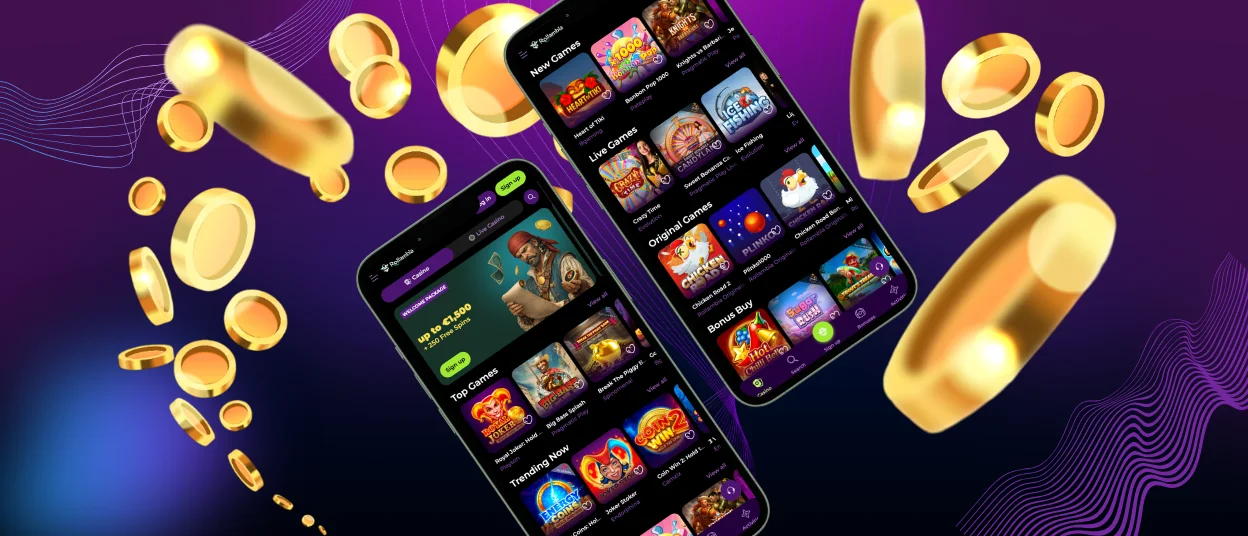
For Android devices, we have a progressive web application (PWA) that does not require downloads. It is a mobile browser-based solution. The PWA provides lightweight, secure and responsive gaming integration.
The Android version of Rollambia Casino can be accessed by scrolling down the page to the “Casino App” button. Click it to generate a shortcut on your home screen. This method allows direct access to all features without installing traditional software.
To set up the Roll Ambia app on Android:
- Visit Rollambia Casino in your preferred mobile browser.
- Scroll to the footer and click “Casino App.”
- Click “Install” when the prompt appears.
- The icon will appear on your home screen.
The interface features large buttons and touch-friendly navigation that works smoothly on both smartphones and tablets.
Roll Ambia APK
The Rollambia Casino PWA has replaced traditional APK distribution. This approach offers multiple benefits. The app automatically updates itself through the browser. Players continuously use the latest features and security extensions without manual updates.
The lightweight nature minimizes storage needs and allows uninterrupted gaming. The Roll Ambia PWA loads quicker and can display cached content offline. No need to enable installations from unknown sources in your device settings. This method ensures you always access the genuine platform with current security protocols.
Roll Ambia Casino – Desktop Version
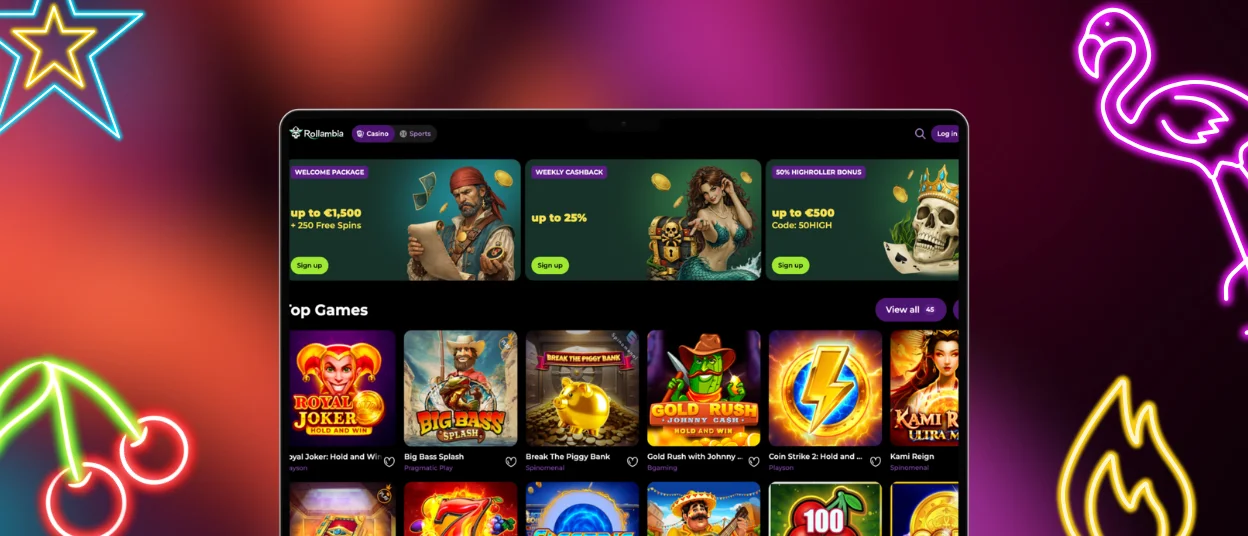
The Rollambia Casino desktop platform is the full version of our service. You can play Roll Ambia Casino games with all common browsers: Chrome, Edge, Safari, Firefox and privacy-focused options like DuckDuckGo.
The desktop version has an expanded interface suitable for players who prefer a more immersive experience. Shortcuts allow easy access to the site. The desktop platform supports gameplay without compromising security, speed or usability.
| Platform | How to Make a Shortcut |
| Windows | Open the browser, visit Rollambia Casino site, add desktop shortcut through the browser menu. No extra software needed. |
| macOS | In Safari or Chrome, find “Add to Home Screen” or “Create Shortcut” in the file/menu section. No complex installation required. |
The desktop app includes all features of the mobile casino. The Support Team is available through the same live chat system across all platforms.
Security and Fair Play
Rollambia Casino uses industry-standard encryption protocols to protect all user data. The platform operates on secure HTTPS with valid TLS 1.3 certificates. All financial transactions are processed through verified payment gateways.
The verification process confirms your identity and protects your account from unauthorized access. This step is required before making withdrawals to ensure high integrity and adherence to security protocols. We store personal information according to strict data protection regulations. The Roll Ambia app receives security updates automatically through the PWA framework.
FAQ
Is the app optimized for tablets and larger screens?
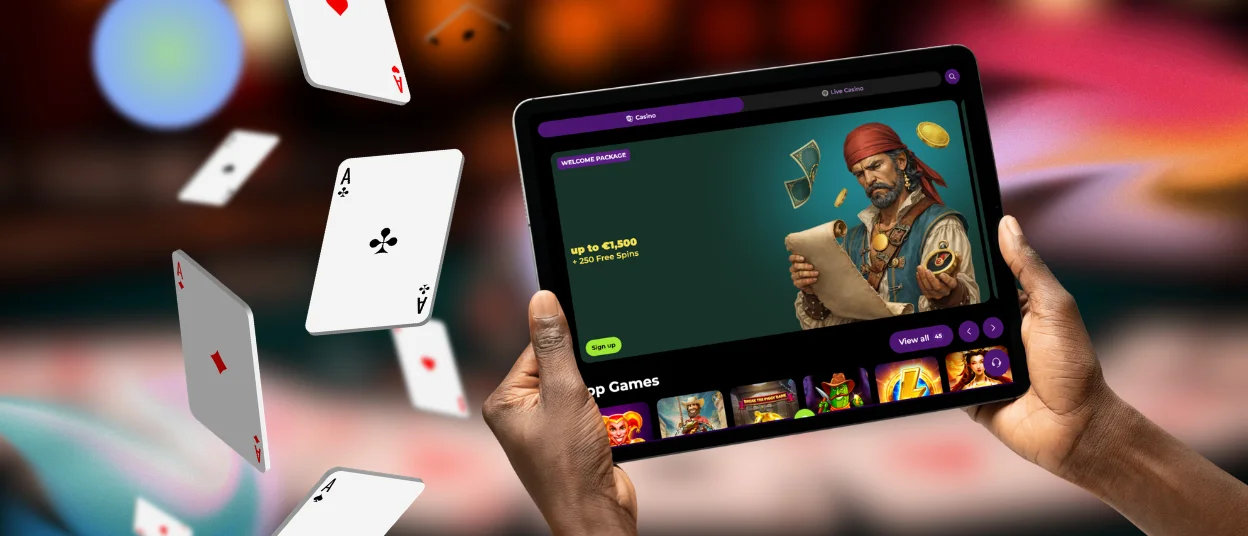
The Rollambia app is fully optimized for tablets and larger screens. The interface scales automatically to match your display size. All features work identically whether you play on a smartphone, tablet or desktop. The touch-friendly design adapts to provide comfortable navigation on any screen.
Can I switch between the app and desktop versions easily?
Switching between the Roll Ambia app and desktop version is seamless. Your account synchronizes across all devices automatically. Progress, balance and preferences remain consistent. Log in with the same credentials on any platform to continue your gaming experience without interruption.


